AI 时代,普通人,就学好 HTML 就好了
时间:2026-9-19 01:38 作者:独元殇 分类: 前端技术
永远承诺:本网站,所有字均为人工手敲!无一字为 AI 生成(除非标注)

AI 时代,普通人,就学好 HTML 就好了!
作为一项被全球数千万以字符精度的细节扣了无数遍的最成熟的 UI 显示解决方案,秒杀 PPT 。当然,markdown 也不能放弃,但是 HTML 是必须要好好去学的。两者其实是一种东西,所有合法的 html 都是合法的 markdown。
最近我看到了一篇文章,详细介绍了2026年的网页 HTML 模板应该是什么样子,每一行有什么作用。 https://vale.rocks/posts/html-boilerplate ,一份比较不错的【样板代码】。这份完整的代码我放到文章最后了。
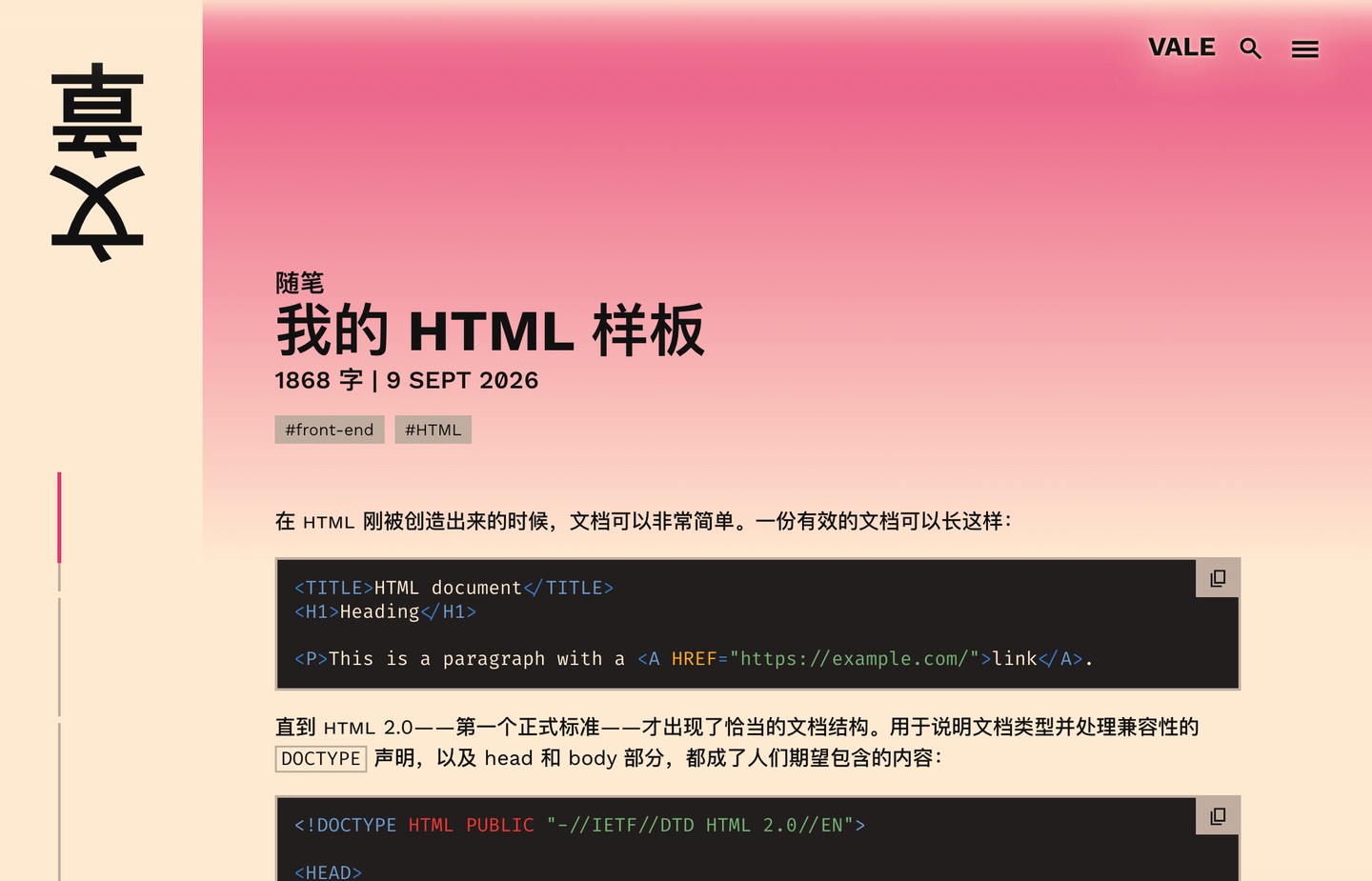
以前总是丢点东西,我干了 5 年前端,竟然还有很多我没见过。大家可以了解一下,让 AI 写出尽可能好的 HTML 。
作者说:「这只是一个样板。它是我几乎每个网站都会包含的内容模板,并会做一些轻微的调整。每个网站肯定会根据自身需求偏离这个模板,但这是一个合理的基础。」说明这个样本,是作者长期维护过的,还是比较有意义的。
首先,HTML 是很妙的计算机语言,它没有报错这一说,它宽松到任何内容都可以加载出来。兼容性强到可怕。
首先在头部这几个要有的:
<!doctype html>
<html lang="en"></html>
<meta charset="UTF-8">
<meta name="viewport" content="width=device-width">
<meta name="text-scale" content="scale">
第一行声明这是个标准的 HTML 文档。
第二行告诉我们页面的语言。
第三行这个很重要,UTF-8 ,尤其是咱们中文区!以前手敲代码,我们经常忘掉搞这个,导致页面动不动就乱码。AI 写的很多页面也会忘掉搞这个。
第三行,适配移动端,第四行使文本根据系统设置进行缩放,避免内容缩放带来的无障碍访问问题。
然后是几个 SEO 和依赖重要的。
<title>Name of Page | Name of Website</title>
<link rel="stylesheet" href="/styles.css">
<link rel="preload" href="font.woff2" as="font" type="font/woff2" crossorigin>
<meta property="og:title" content="Name of Page">
<meta name="description" content="Description of this page.">
<meta property="og:description" content="Description of this page for embeds.">
<link rel="icon" type="image/svg+xml" href="https://example.com/favicon.svg">
哇!这挺全的。
title 这个格式就很好,前面写页面的名称,后面写网站的名称,中间用竖线分割。
之后是 CSS 和字体。然后是 SEO 必不可少的 OG 。社交媒体会用到。然后是 ICO 图标。OG 还有很多丰富的内容:
<meta property="og:image" content="https://example.com/embed-image.webp">
<meta property="og:image:alt" content="A picture of something.">
<meta property="og:image:type" content="image/webp">
<meta property="og:image:width" content="1200">
<meta property="og:image:height" content="630">
全文如下:
<!doctype html>
<html lang="en">
    <head>
        <meta charset="UTF-8">
        <meta name="viewport" content="width=device-width">
        <meta name="text-scale" content="scale">
        <title>Name of Page | Name of Website</title>

        <link rel="stylesheet" href="/styles.css">

        <link rel="preload" href="font.woff2" as="font" type="font/woff2" crossorigin>

        <meta property="og:title" content="Name of Page">
        <meta name="description" content="Description of this page.">
        <meta property="og:description" content="Description of this page for embeds.">

        <link rel="icon" type="image/svg+xml" href="https://example.com/favicon.svg">

        <meta property="og:image" content="https://example.com/embed-image.webp">
        <meta property="og:image:alt" content="A picture of something.">
        <meta property="og:image:type" content="image/webp">
        <meta property="og:image:width" content="1200">
        <meta property="og:image:height" content="630">

        <link rel="canonical" href="https://example.com/page">
        <meta property="og:url" content="https://example.com/page">

        <meta property="og:site_name" content="Website Name">

        <meta name="author" content="A N Other">

        <meta name="color-scheme" content="light dark">
        <meta name="theme-color" content="red" media="(prefers-color-scheme: light)">
        <meta name="theme-color" content="green" media="(prefers-color-scheme: dark)">

        <link rel="alternate" type="application/rss+xml" title="RSS feed of posts on Website Name." href="/posts/feed.xml">
        <link rel="alternate" type="application/feed+json" title="JSON feed of posts on Website Name." href="/posts/feed.json">

        <link rel="search" type="application/opensearchdescription+xml" title="Website Search" href="https://example.com/opensearch.xml">
        <link rel="manifest" href="/app.webmanifest">
    </head>

    <body>
        <header><nav></nav></header>
        <main id="main"></main>
        <footer id="footer"></footer>
    </body>
</html>
对于初学者,可以读一下原文。对于每个项目会有更加详细的解释。